Scripture first
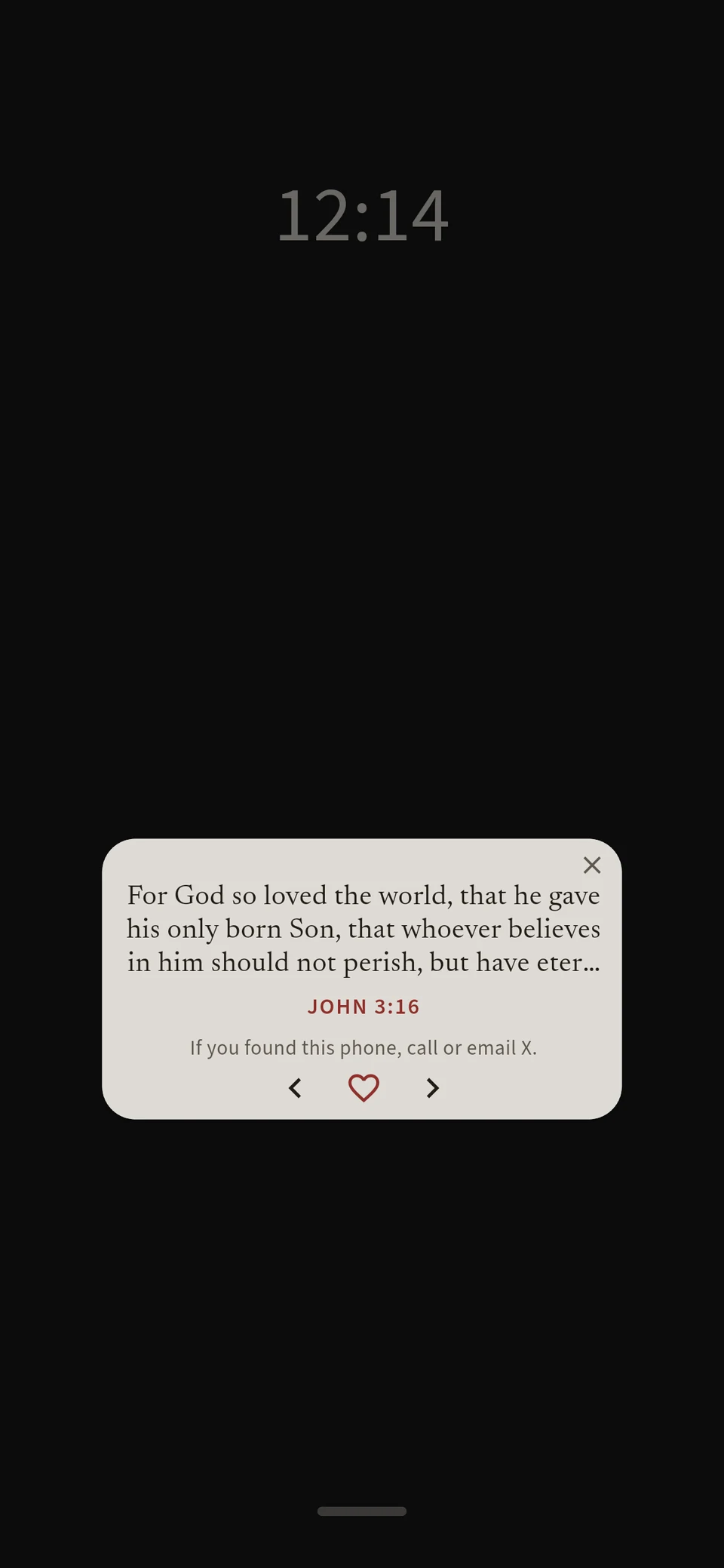
A verse waits on your lock screen, your home screen and after you unlock. One glance and the Word is in front of you again.
A free Bible app for every hour of the day
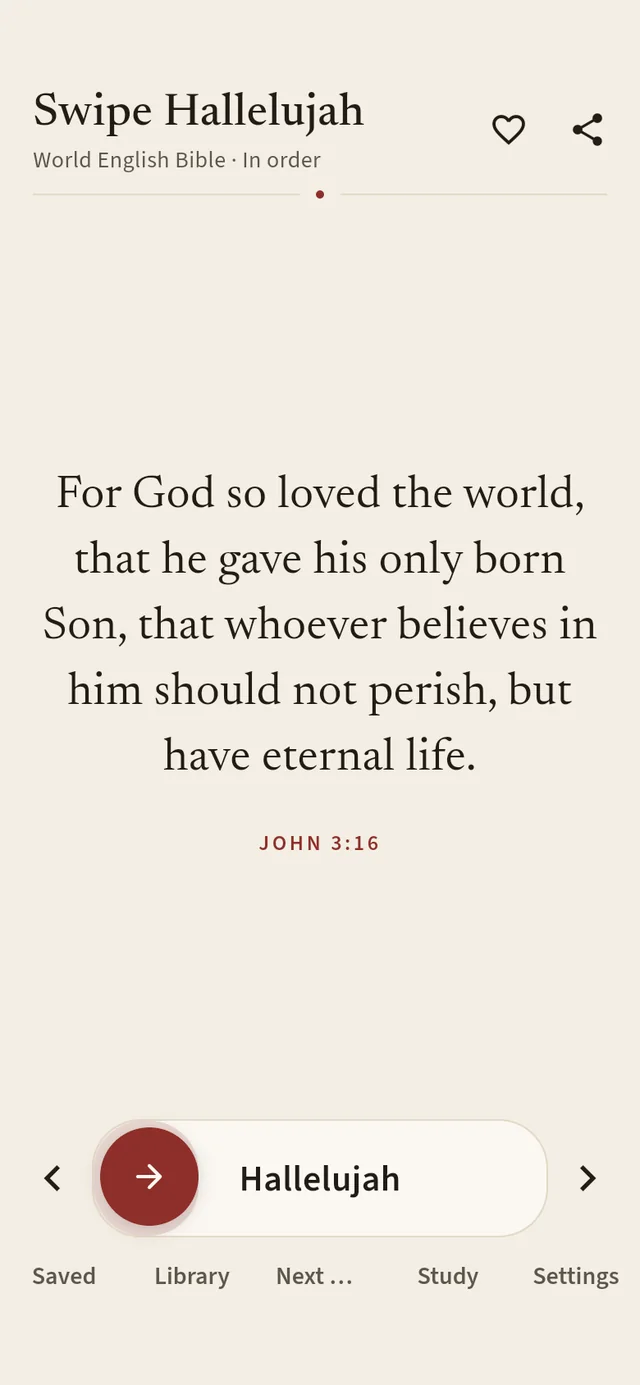
Swipe Hallelujah puts a verse on your lock screen and home screen, then opens into a full study Bible: natural read-aloud voices, the Greek and Hebrew lexicon, maps, parallel translations, notes and highlights. It all works offline, with no account and no ads.
“This Book of the Law must not depart from your mouth; meditate on it day and night, so that you may be careful to do everything written in it. For then you will prosper and succeed in all you do.”
A verse waits on your lock screen, your home screen and after you unlock. One glance and the Word is in front of you again.
Strong’s numbers, the Greek and Hebrew lexicon, Easton’s dictionary, maps and parallel Bibles are one tap away, and out of sight until then.
No account, no ads, no tracking. Your notes, highlights and favorites stay on your phone, and reading never needs a connection.
Lock screen · widget
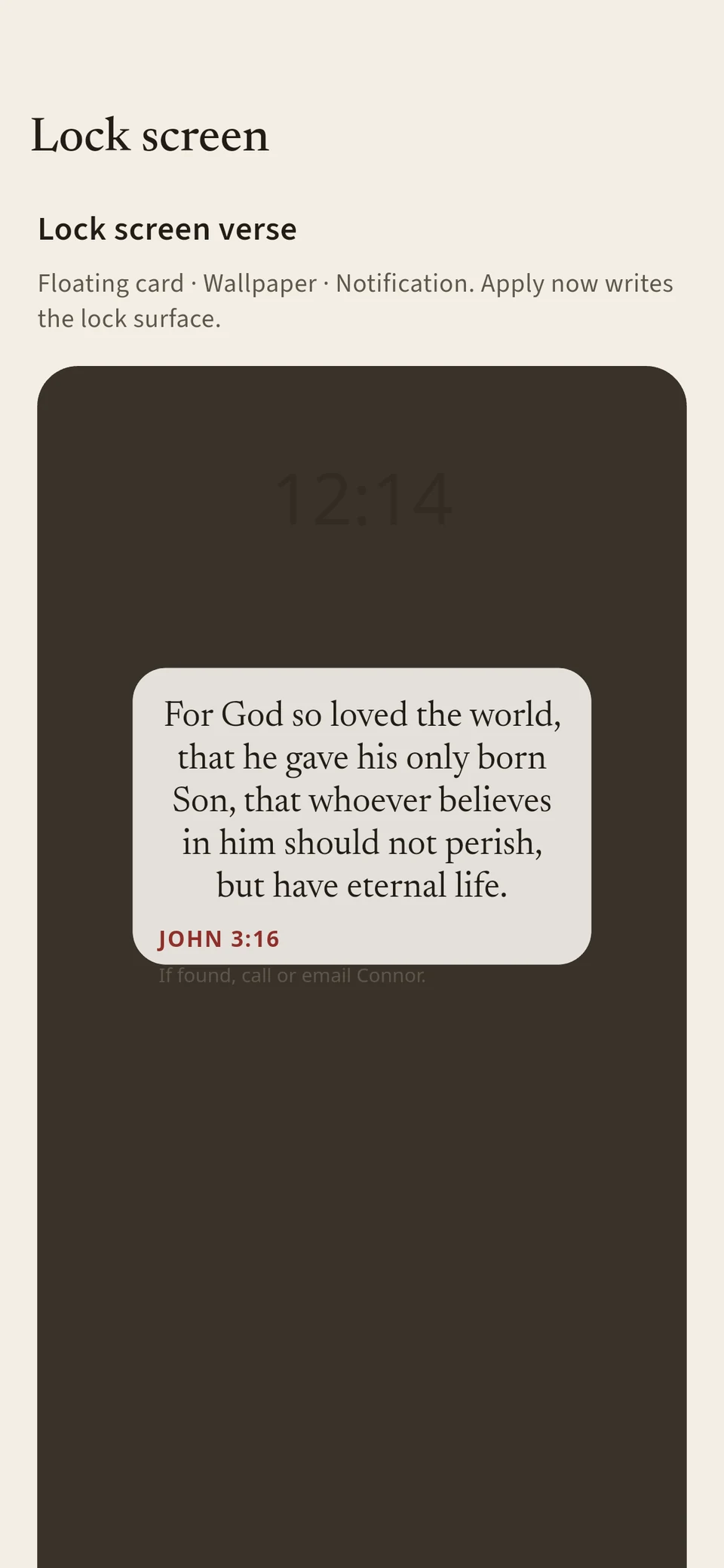
Choose a small floating card over the lock screen, a verse painted on your lock wallpaper, or a quiet lock-screen notification. Add the home-screen widget too. Your PIN, fingerprint and emergency calls stay right where they are.
“These words I am commanding you today are to be upon your hearts. And you shall teach them diligently to your children and speak of them when you sit at home and when you walk along the road, when you lie down and when you get up.”
The verse gate
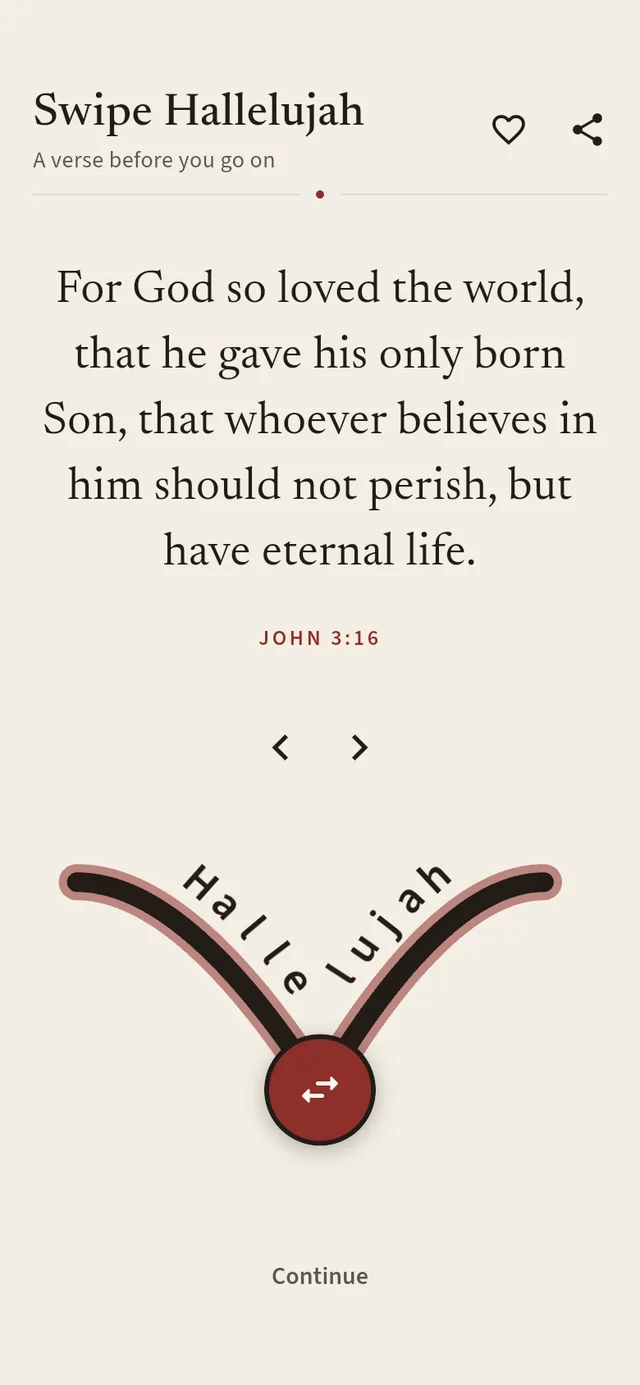
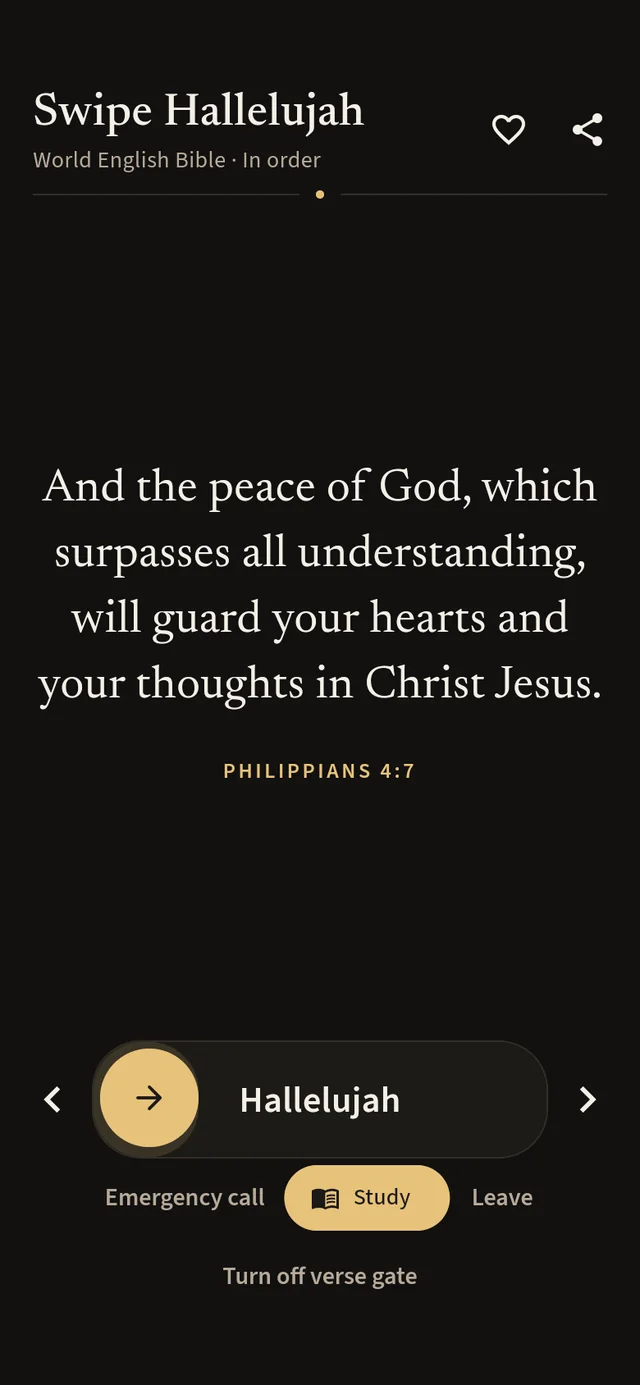
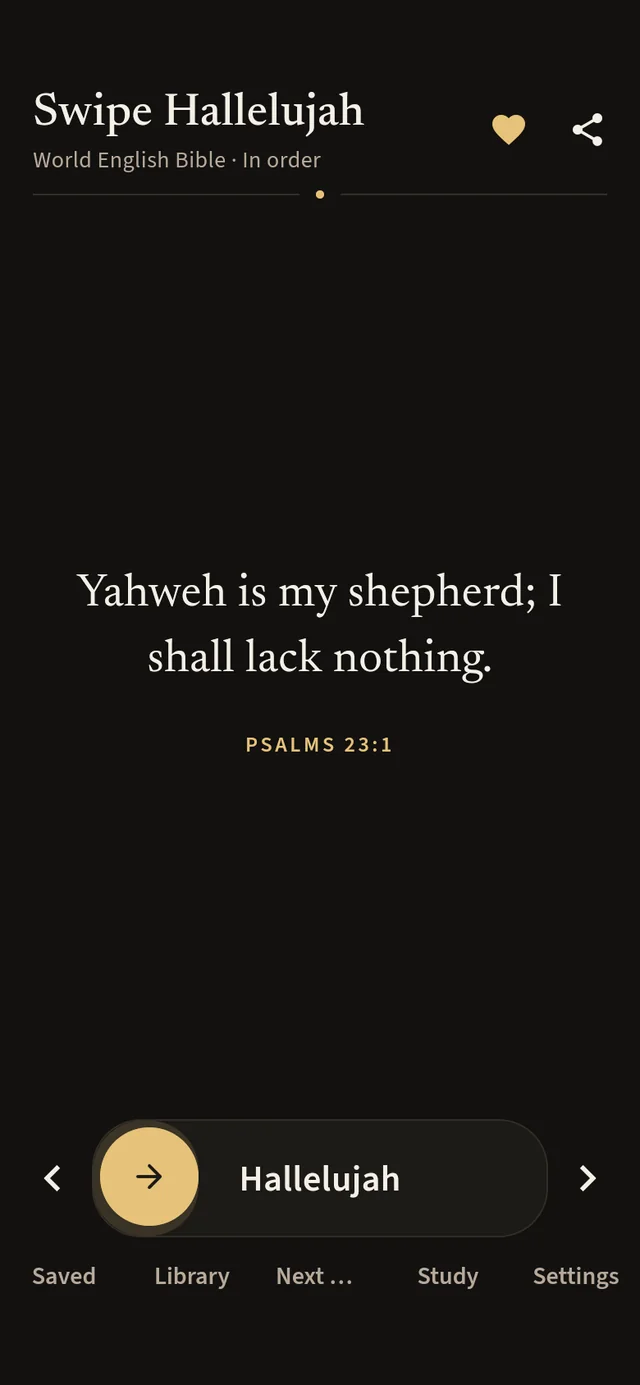
Turn on the verse gate and a full-screen verse greets you after you unlock. Read it, then swipe Hallelujah or Amen to go on. The slider can follow the natural arc of your thumb, so it is easy to reach one-handed, and you can set how high the curve sits.
“Thou wilt keep him in perfect peace, whose mind is stayed on thee: because he trusteth in thee.”
Themes · protection
Turn on the Protection theme and the verse gate and your lock-screen verse come only from 70 verses about God’s keeping: Psalm 91 and Psalm 121, “No weapon that is formed against you will prevail,” “Greater is he who is in you.” When fear, temptation or a long night presses in, the next verse you see is one to stand on.
“Finally, be strong in the Lord and in His mighty power. Put on the full armor of God, so that you can make your stand against the devil’s schemes.”
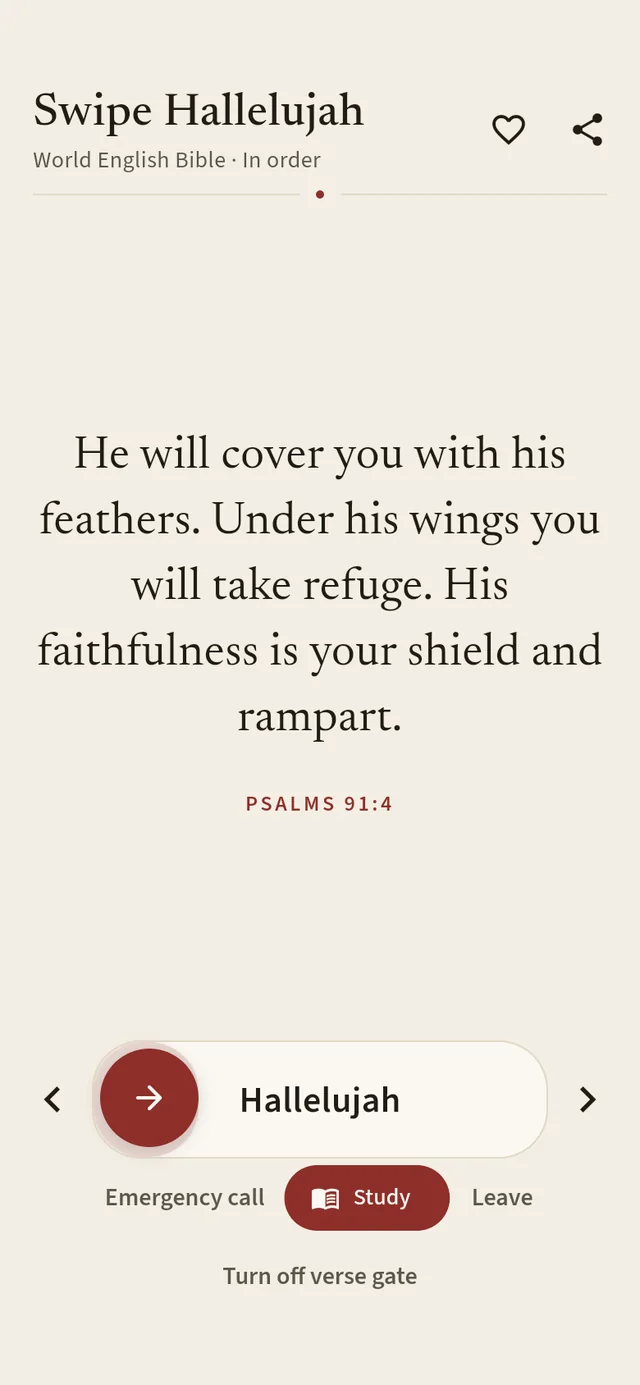
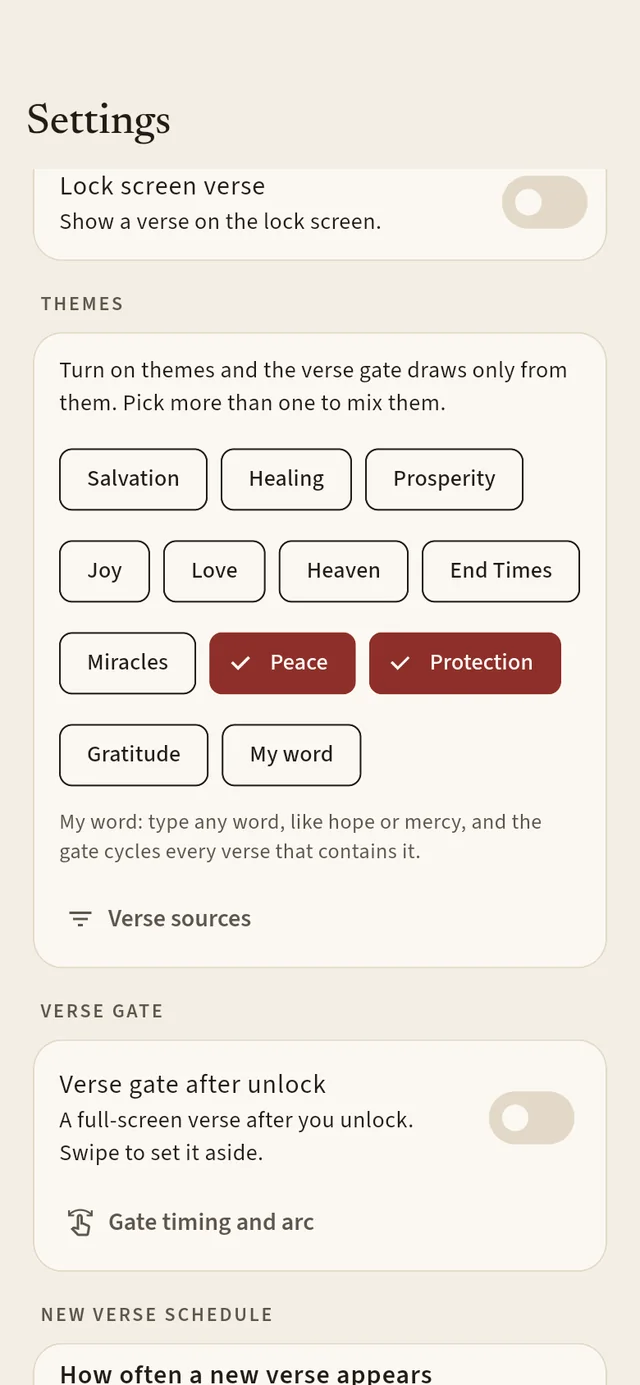
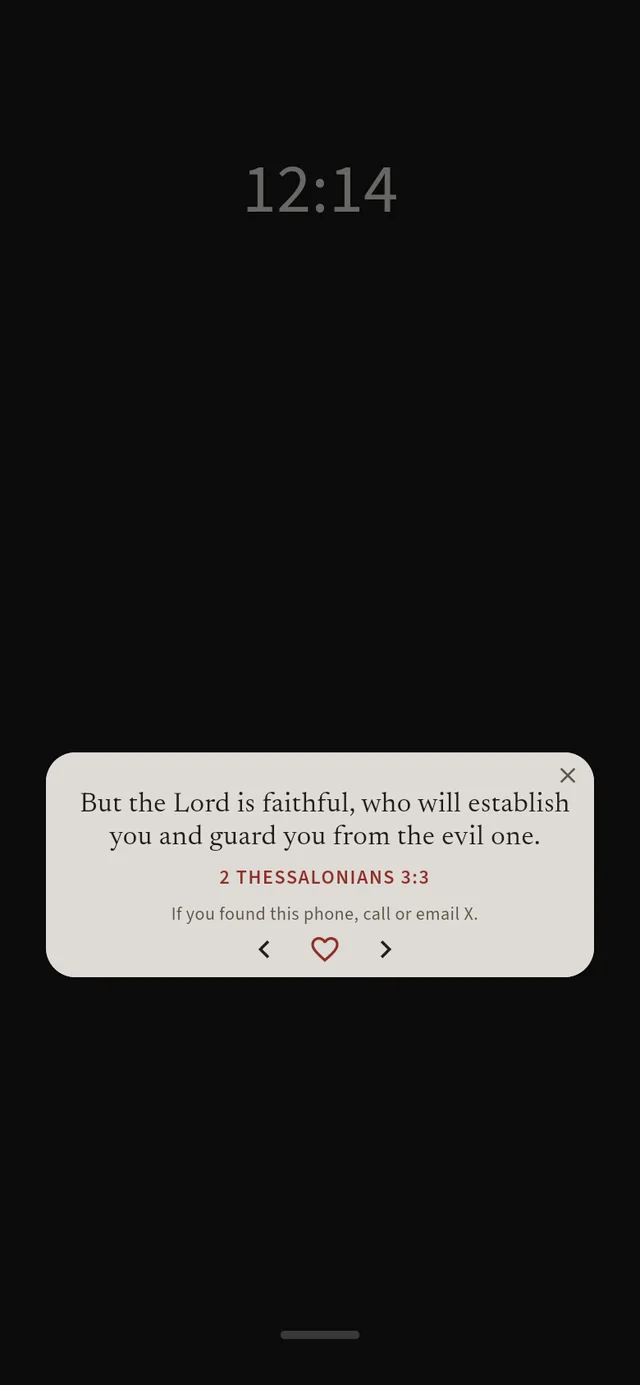
Six of its 70 verses, in the World English Bible that comes with the app.
“Yahweh will fight for you, and you shall be still.”
“God is our refuge and strength, a very present help in trouble.”
“Yahweh’s name is a strong tower: the righteous run to him, and are safe.”
“No weapon that is formed against you will prevail; and you will condemn every tongue that rises against you in judgment.”
“For God didn’t give us a spirit of fear, but of power, love, and self-control.”
“You are of God, little children, and have overcome them, because greater is he who is in you than he who is in the world.”
Eleven themes sit in Settings. Pick one, or several to mix them, such as Protection with Peace for anxious nights.
Study mode
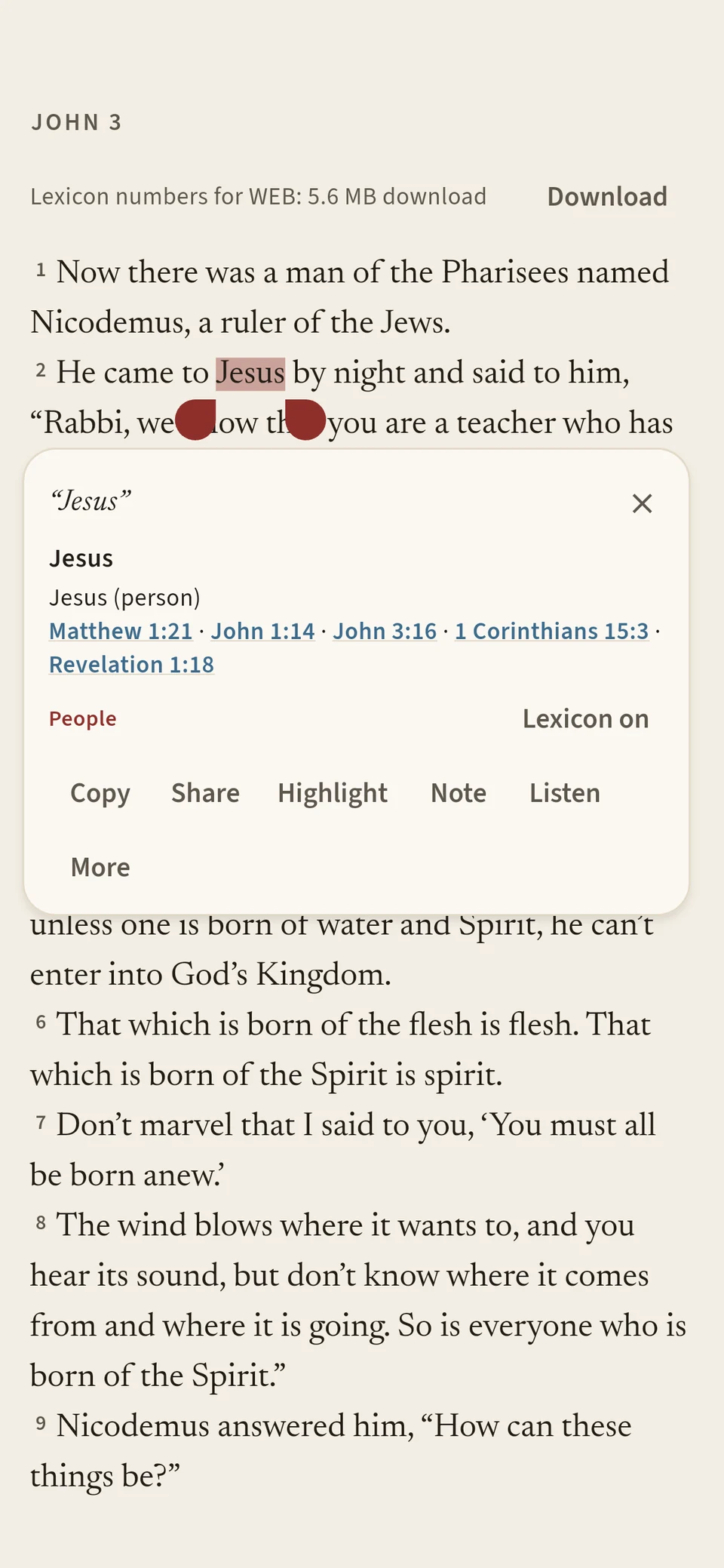
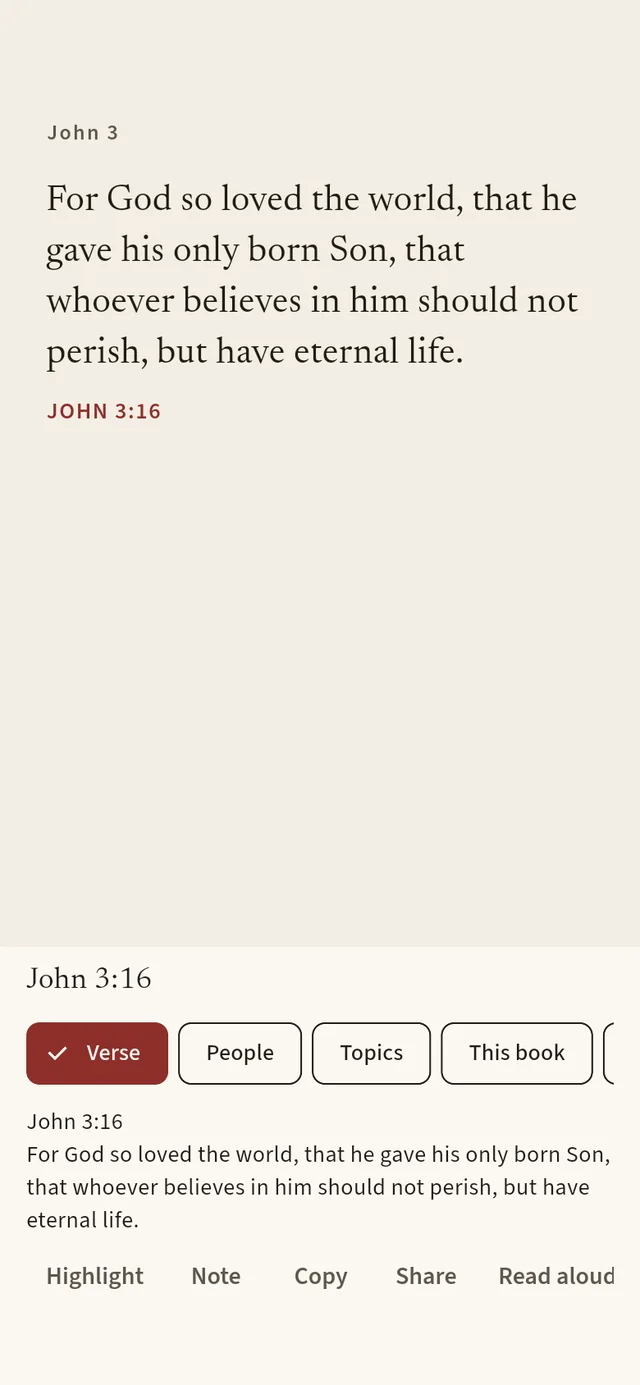
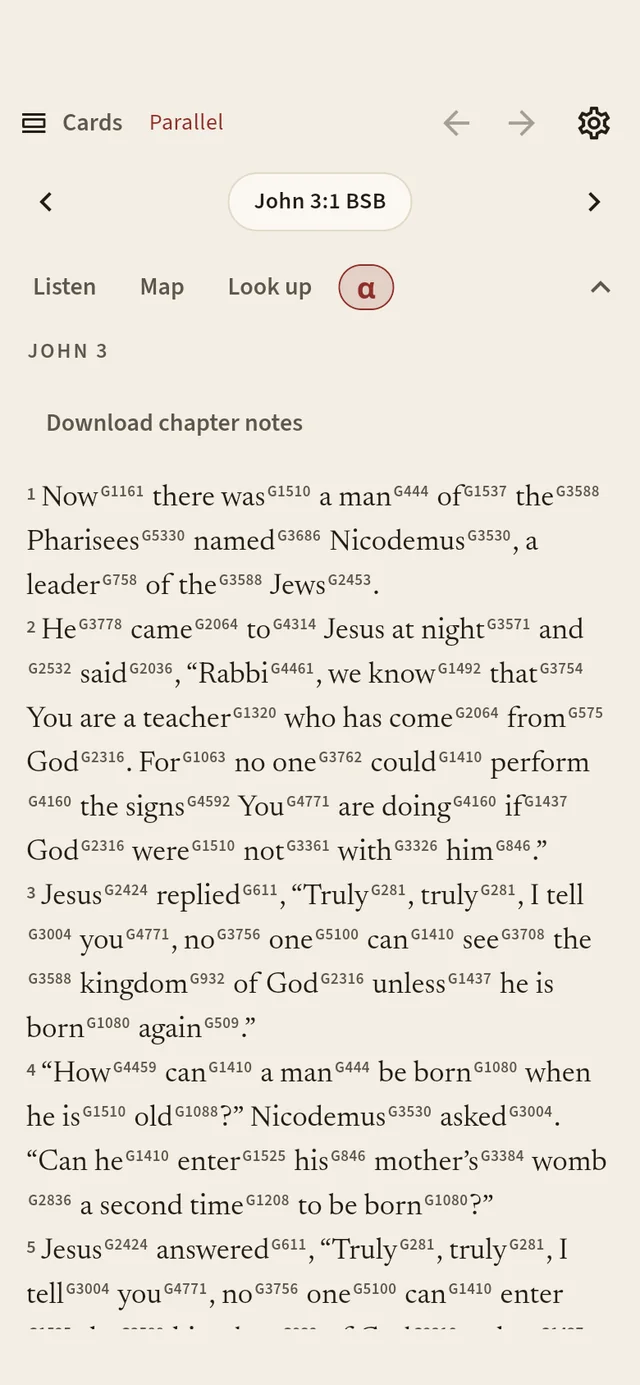
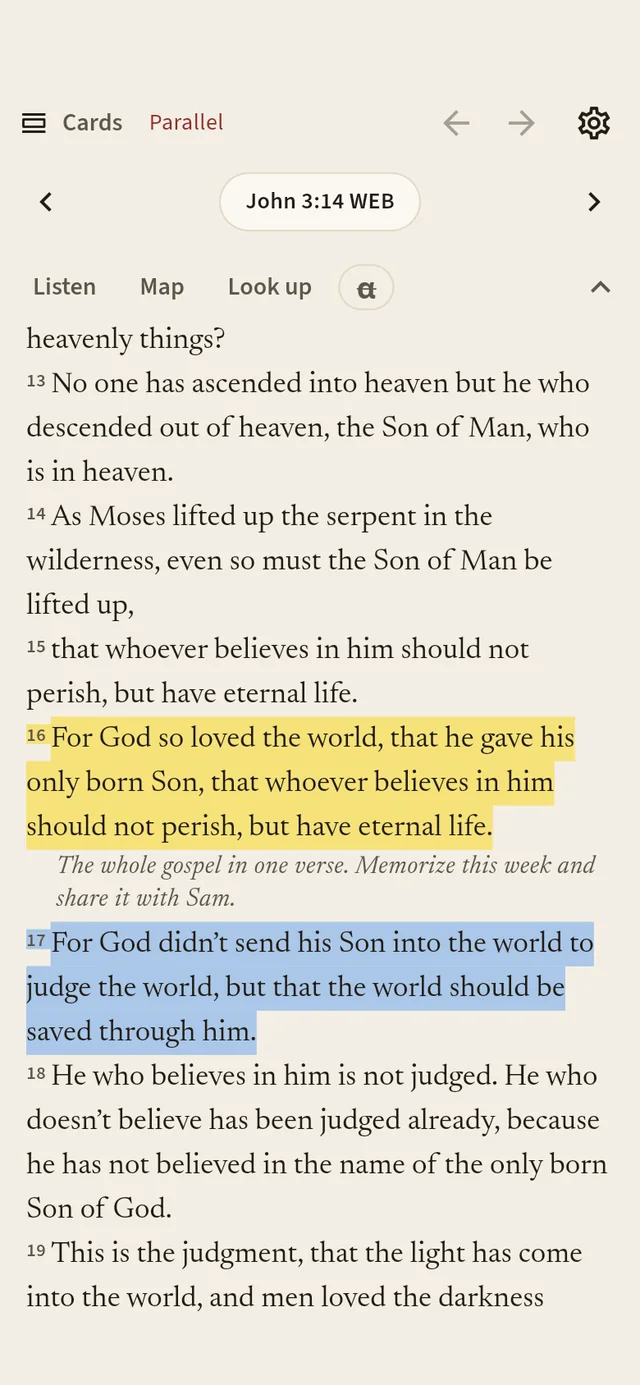
Study opens the chapter around today’s verse in a calm, book-like layout. Tap a word for a popup about it: who a person is, where a place was, or the Greek and Hebrew behind it. Tap a verse for its people and topics, with Highlight, Note, Copy, Share and Read aloud close at hand. The toolbar hides away when you just want to read.
“All Scripture is God-breathed and is useful for instruction, for conviction, for correction, and for training in righteousness, so that the man of God may be complete, fully equipped for every good work.”
Parallel Bibles
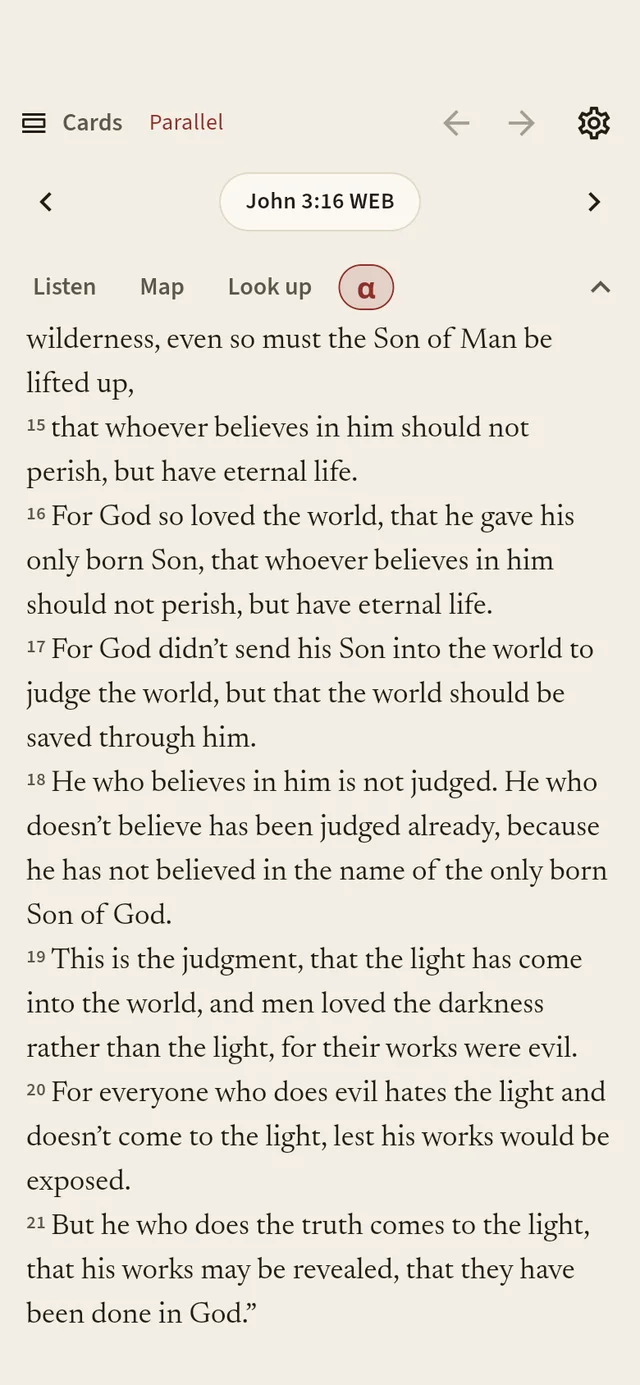
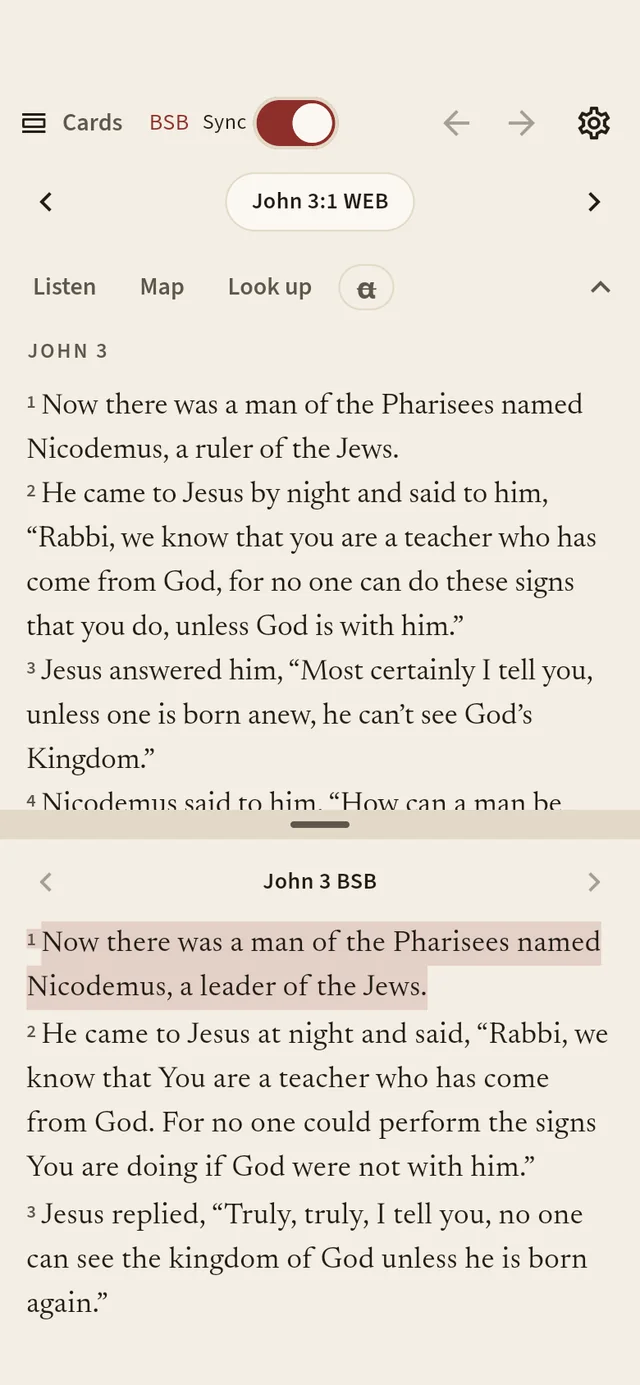
Open a second Bible under the first and compare them line by line. With Sync on, both stay on the same verse as you scroll. Drag the divider to give either one more room.
“Let the word of Christ dwell in you richly in all wisdom; teaching and admonishing one another in psalms and hymns and spiritual songs, singing with grace in your hearts to the Lord.”
Read aloud
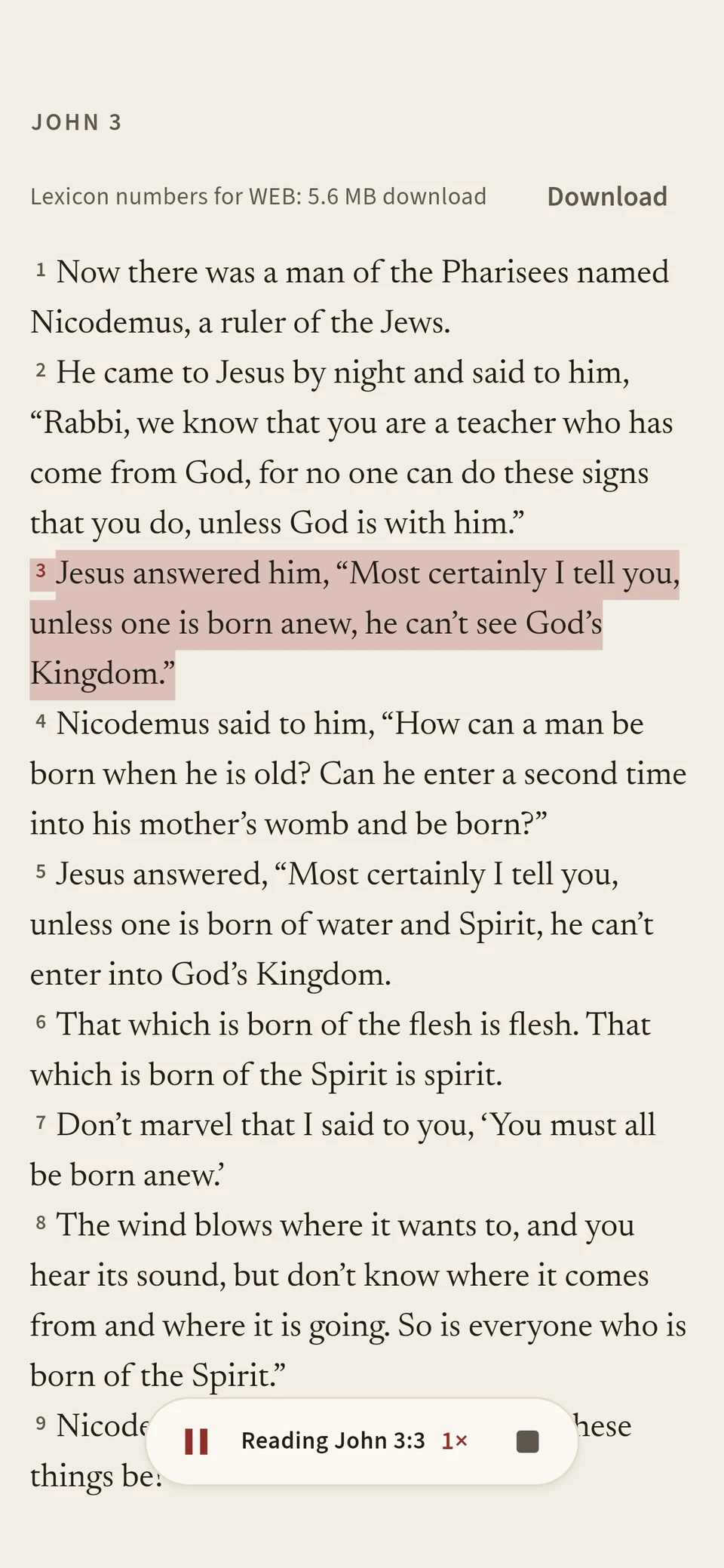
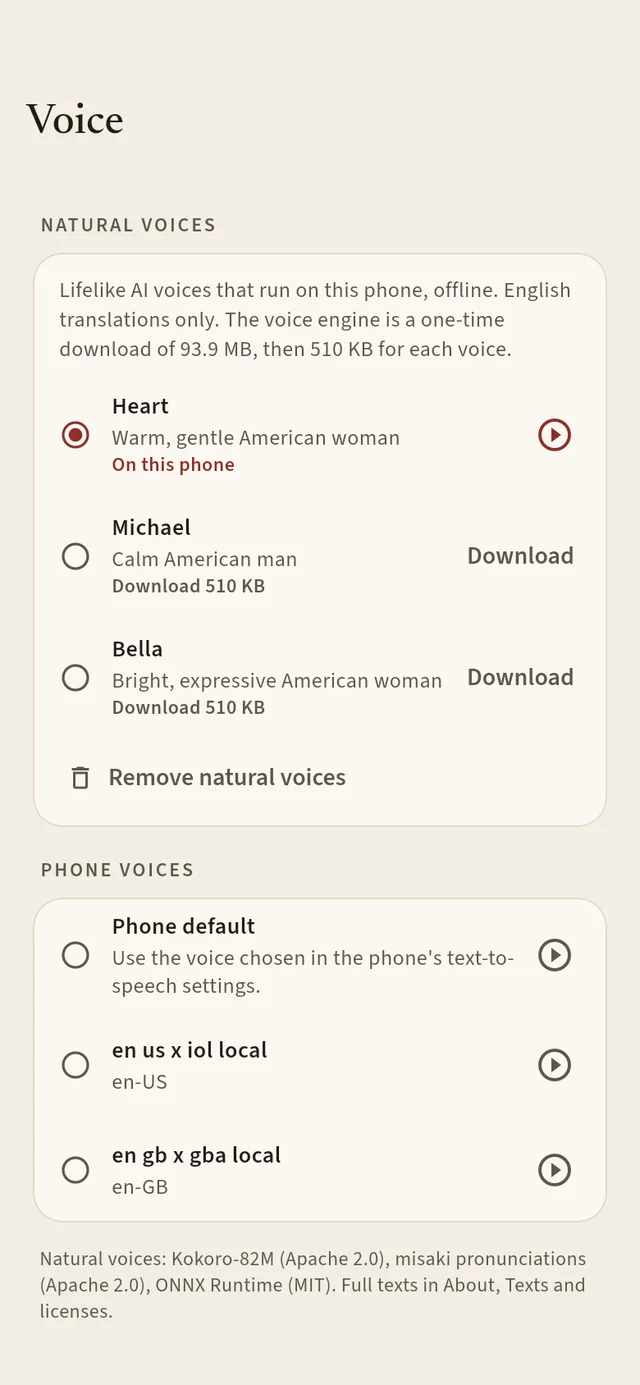
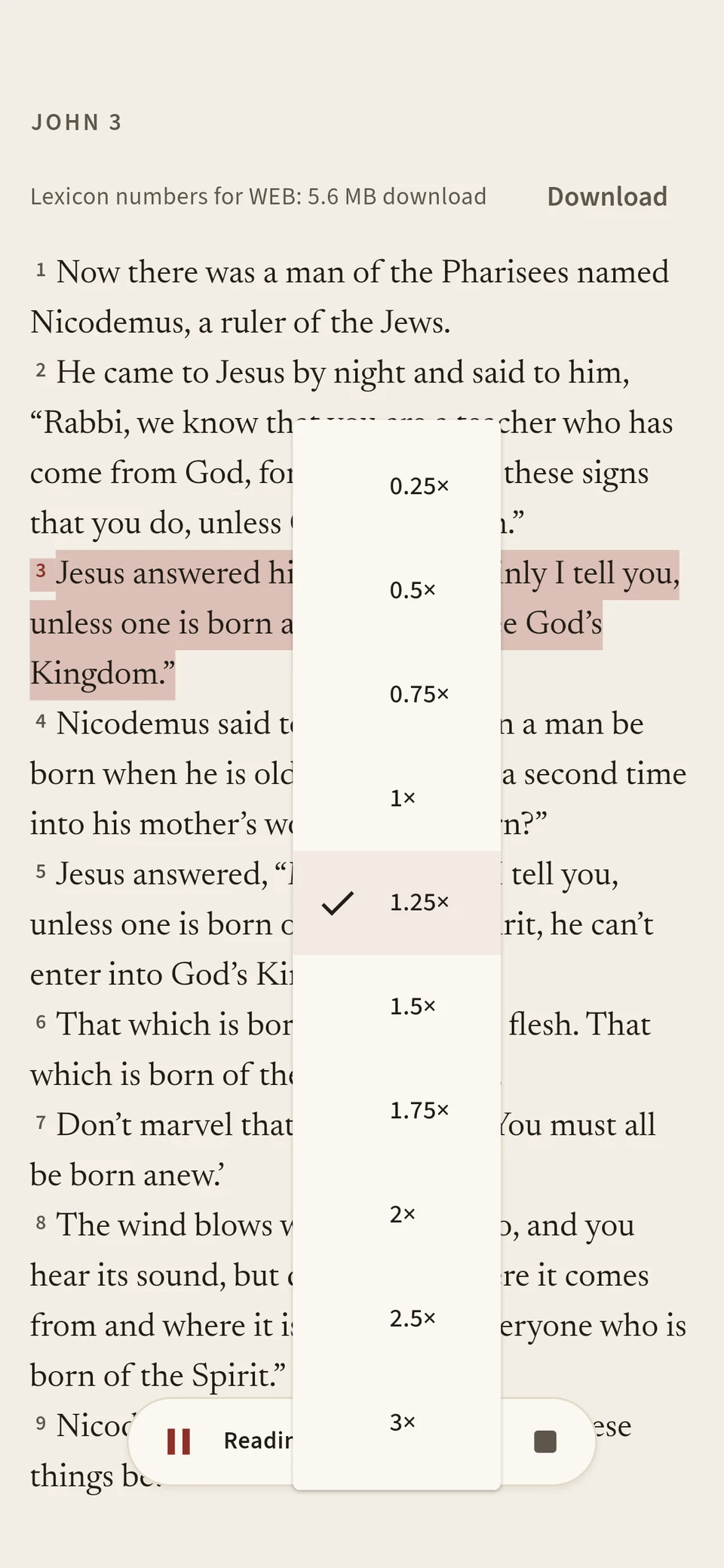
Press Listen and the chapter is read to you, verse by verse, while the text follows along. Choose a natural voice, Heart, Michael or Bella, that runs entirely on your phone, or the voice your phone already has.
“Blessed is the one who reads aloud the words of this prophecy, and blessed are those who hear and obey what is written in it, because the time is near.”
Look up · lexicon
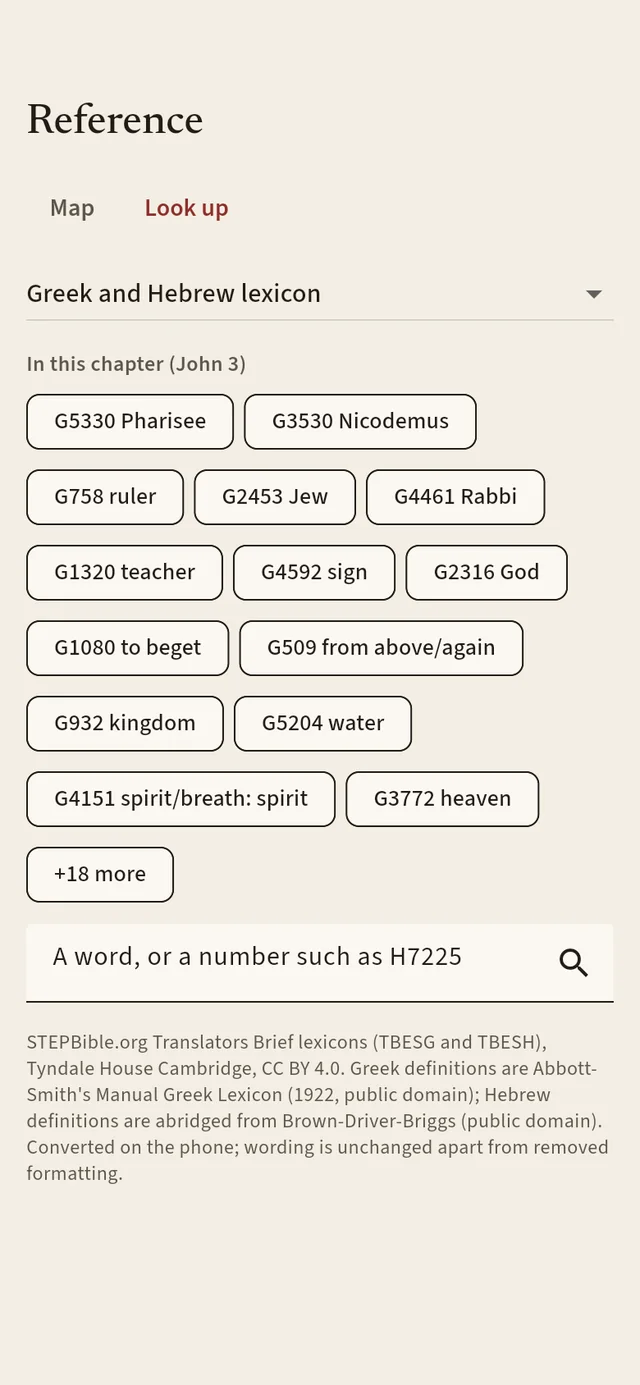
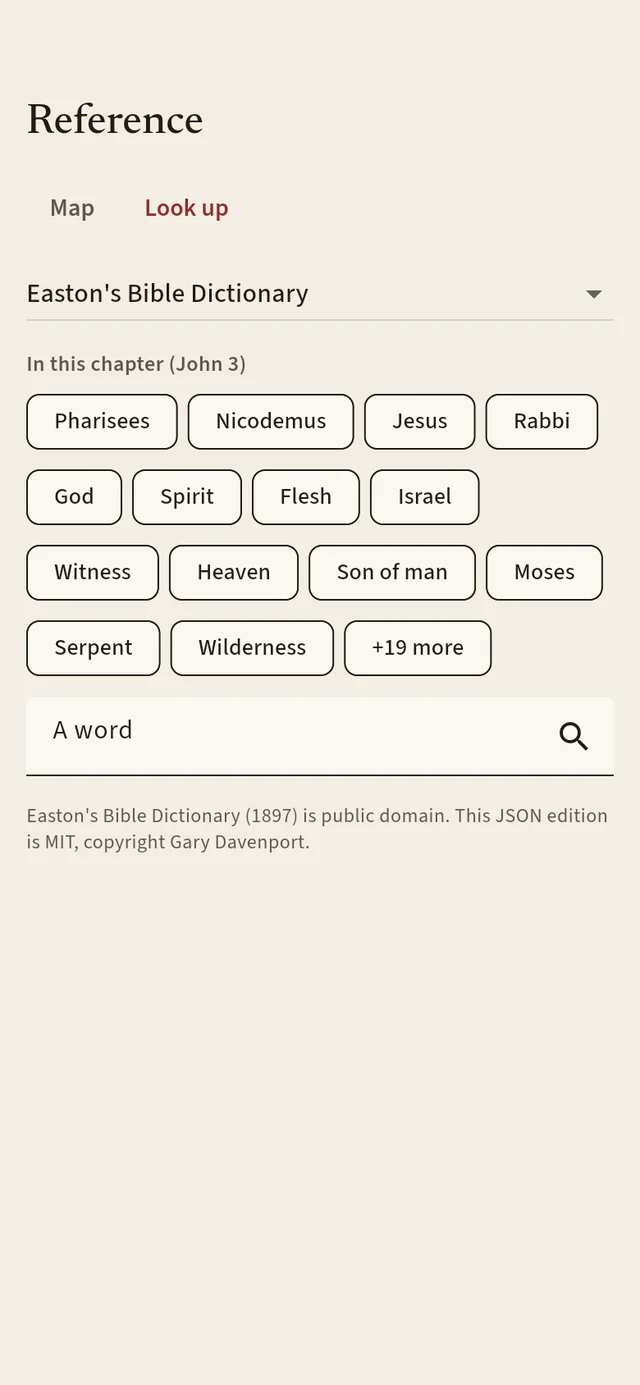
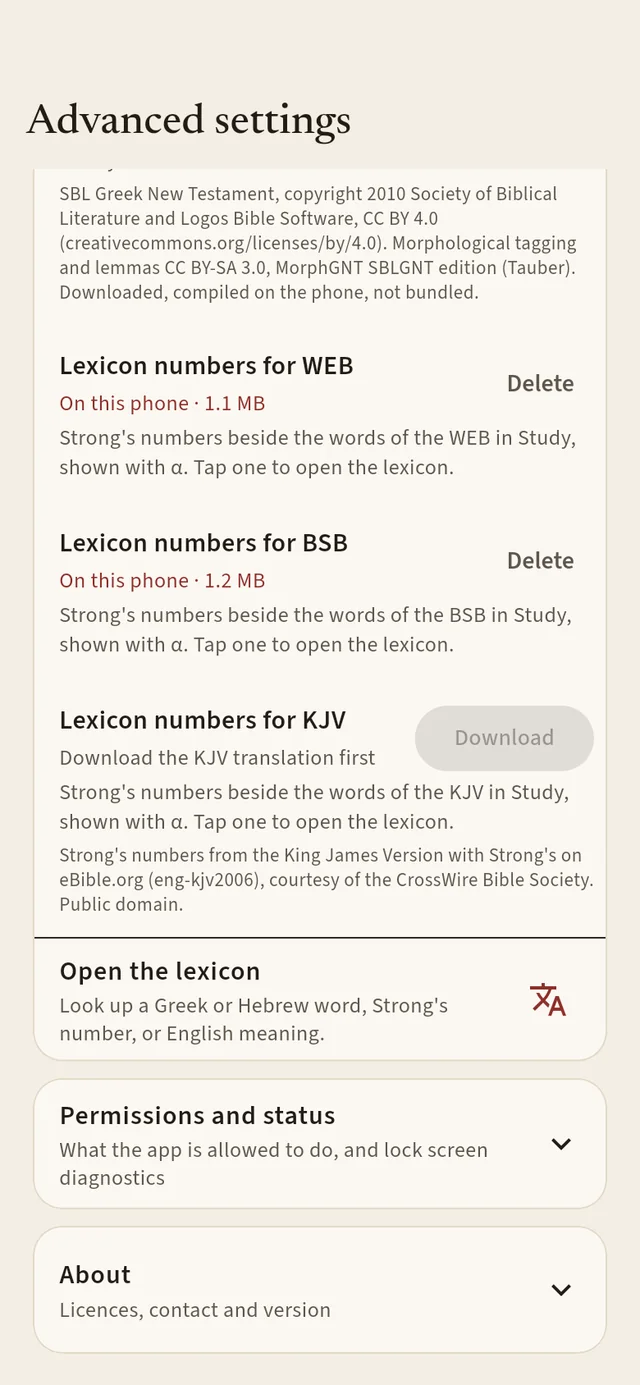
Turn on α and small Strong’s numbers appear beside the words. Tap one to read the Greek or Hebrew behind it. Look up searches the lexicon, Easton’s Bible Dictionary and Hitchcock’s Bible names, and lists the terms in the chapter you are reading.
“Oh, how I love Your law! All day long it is my meditation.”
Maps
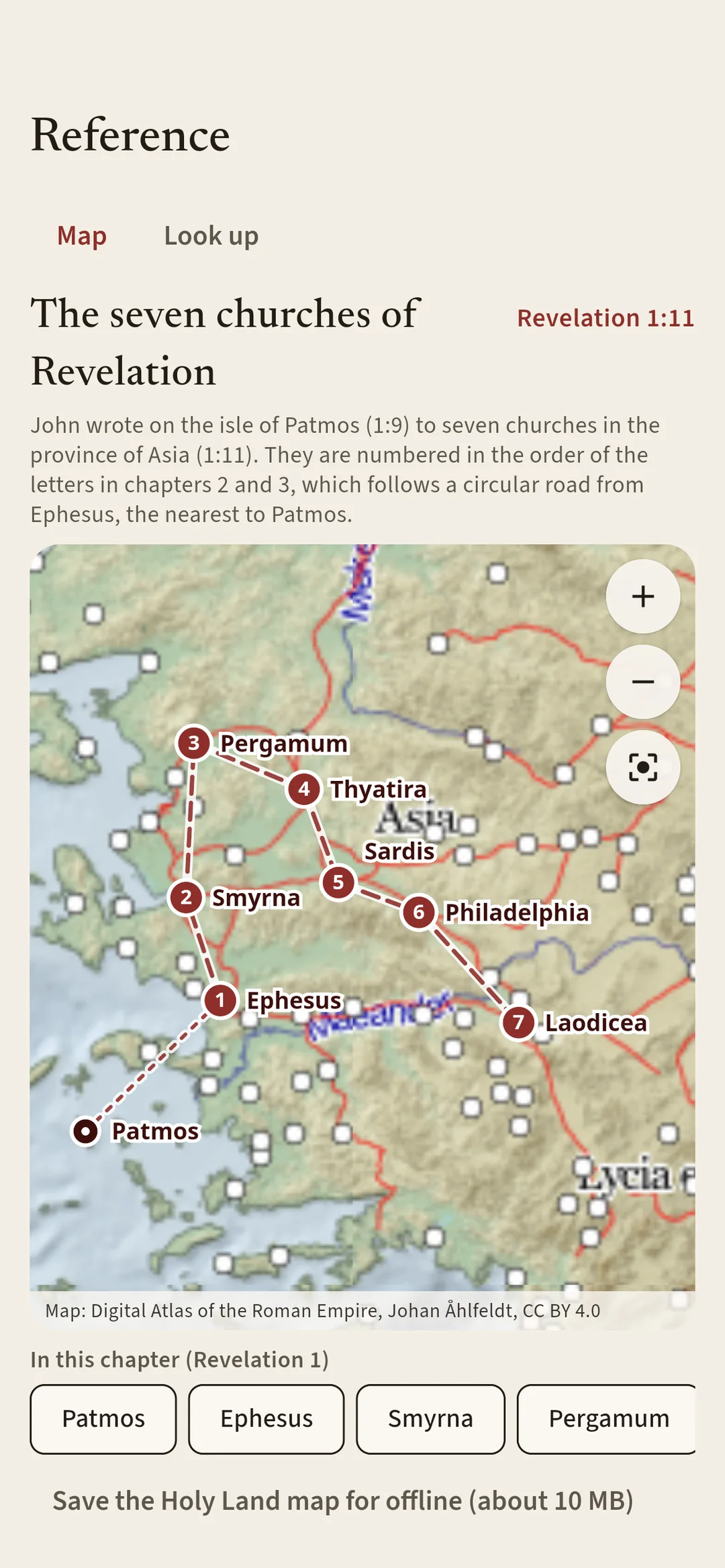
Every chapter’s places are pinned on an atlas of the ancient world, with the roads and towns of the period. Tap a place to fly to it. Open Revelation 1 to 3 and the map traces John’s letters: from the isle of Patmos to the seven churches of Asia, numbered in the order they were written to, along the road that joined them.
Save the Holy Land map for offline use, about 10 MB. Map tiles: Digital Atlas of the Roman Empire, Johan Åhlfeldt, CC BY 4.0. Places: OpenBible.info, CC BY 4.0.
“Write on a scroll what you see and send it to the seven churches: to Ephesus, Smyrna, Pergamum, Thyatira, Sardis, Philadelphia, and Laodicea.”
Notes · highlights
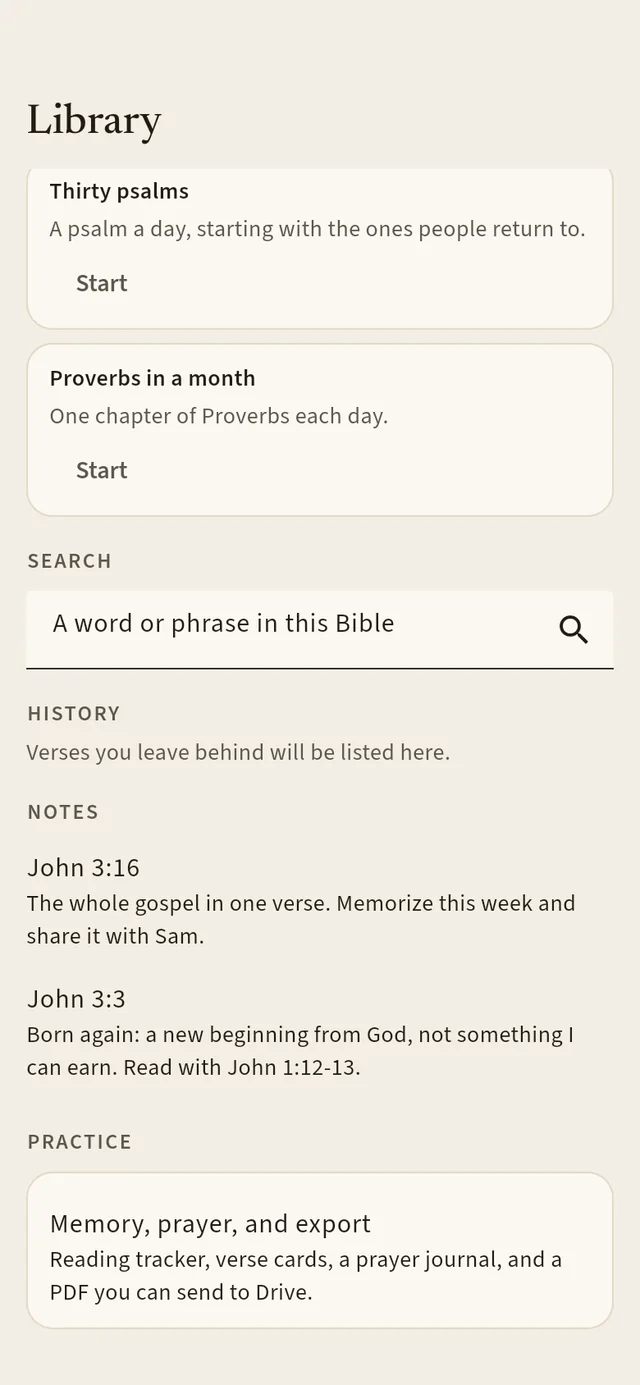
Highlight a verse, or just a phrase, in one of five soft colors. Write a note and it sits right under the verse. Your Library gathers your notes, saved verses, reading history and plans, with search across the whole Bible.
“I have hidden Your word in my heart that I might not sin against You.”
Look · settings
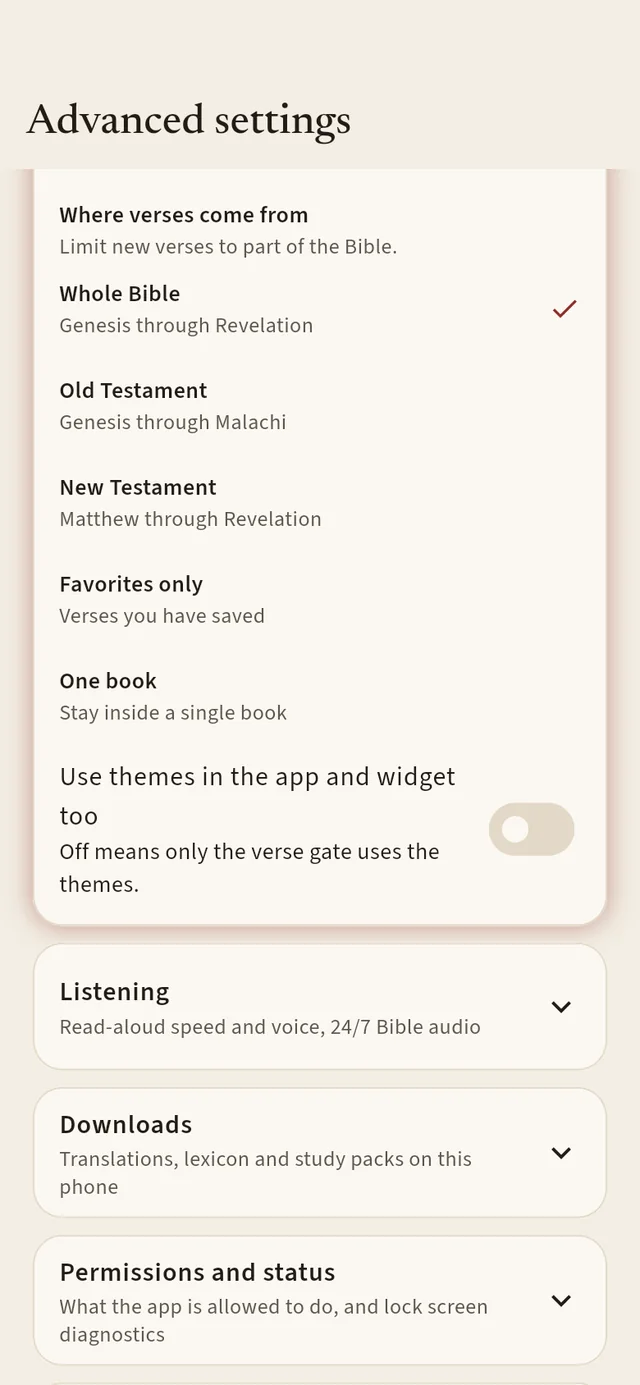
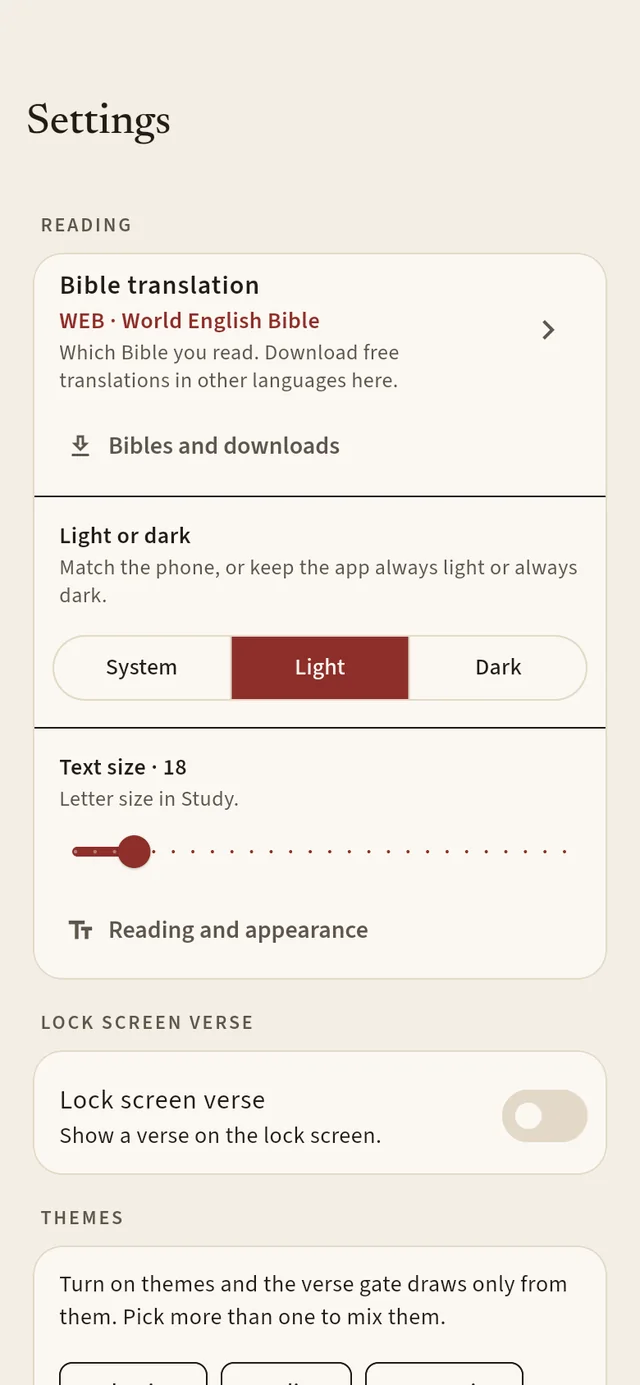
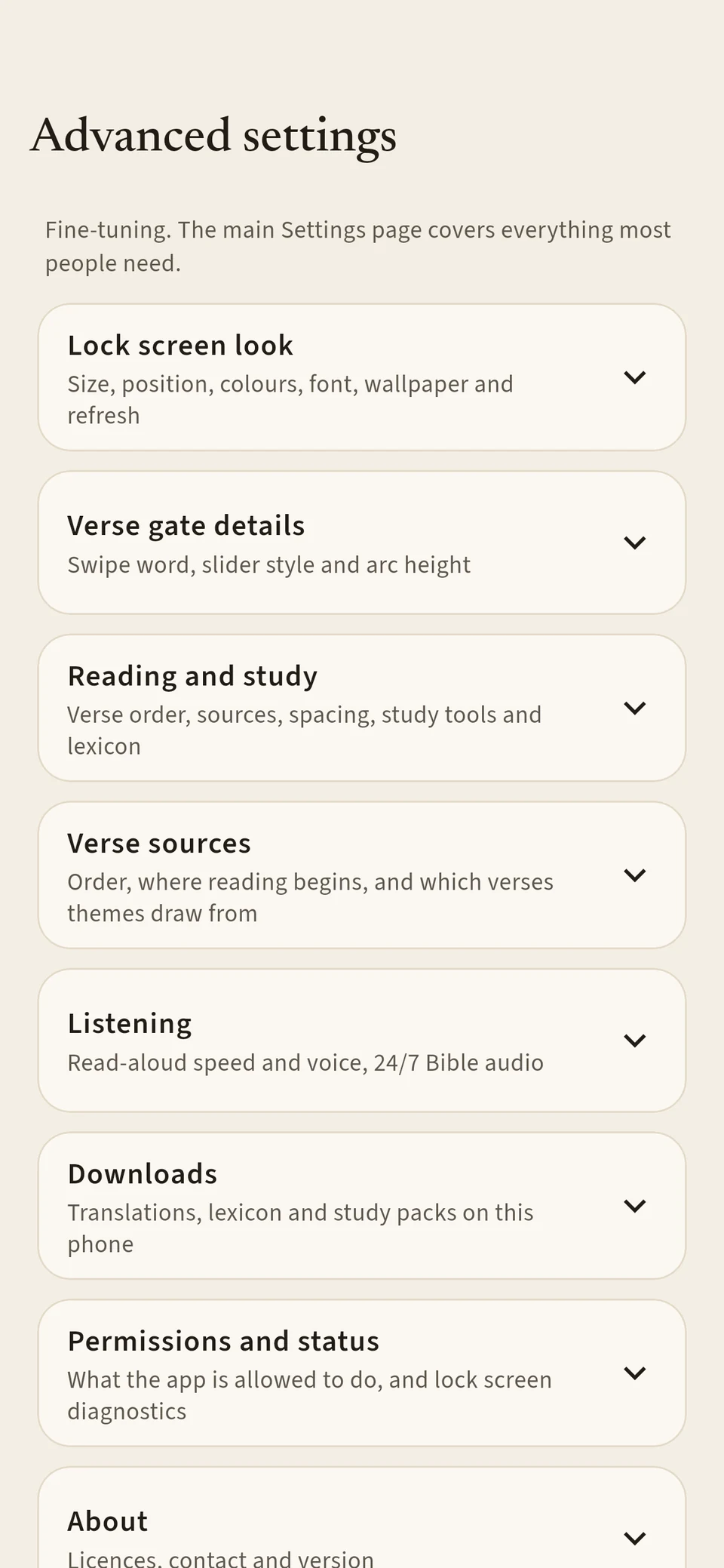
The basics are right at the top: which Bible, light or dark, text size, the lock-screen verse. Everything else, from gate timing and the arc of the slider to the lock card’s size and position, waits in Advanced settings for when you want it.
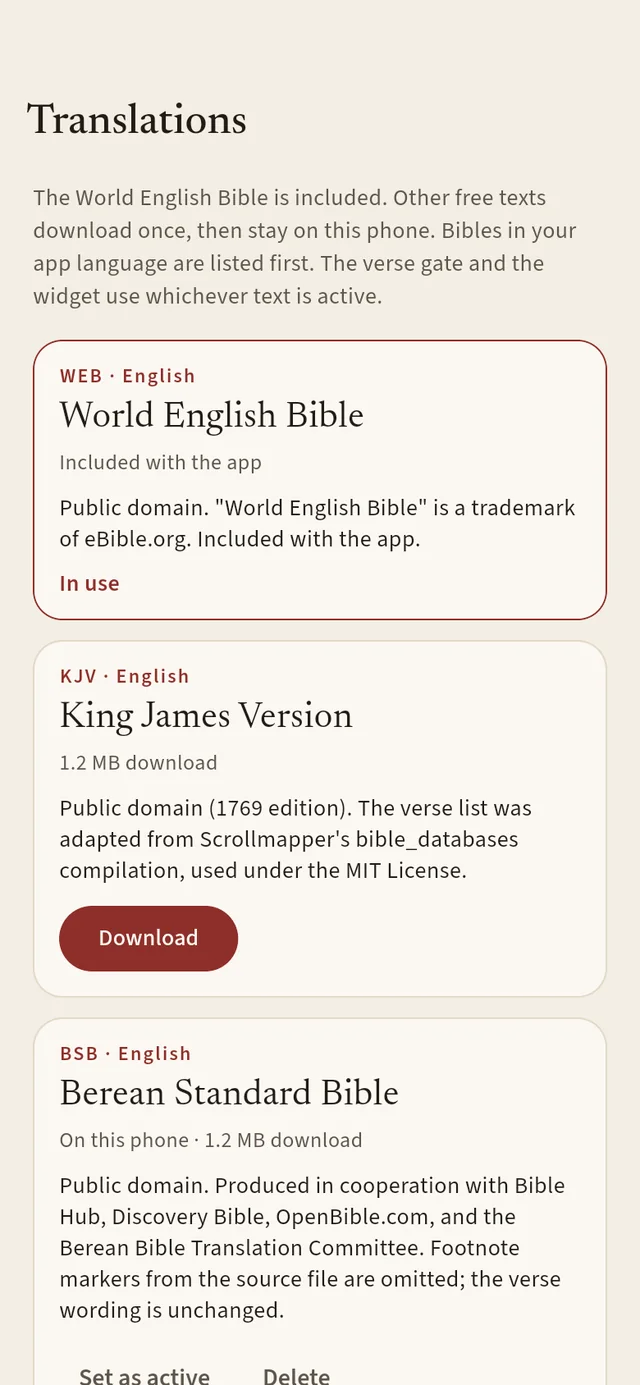
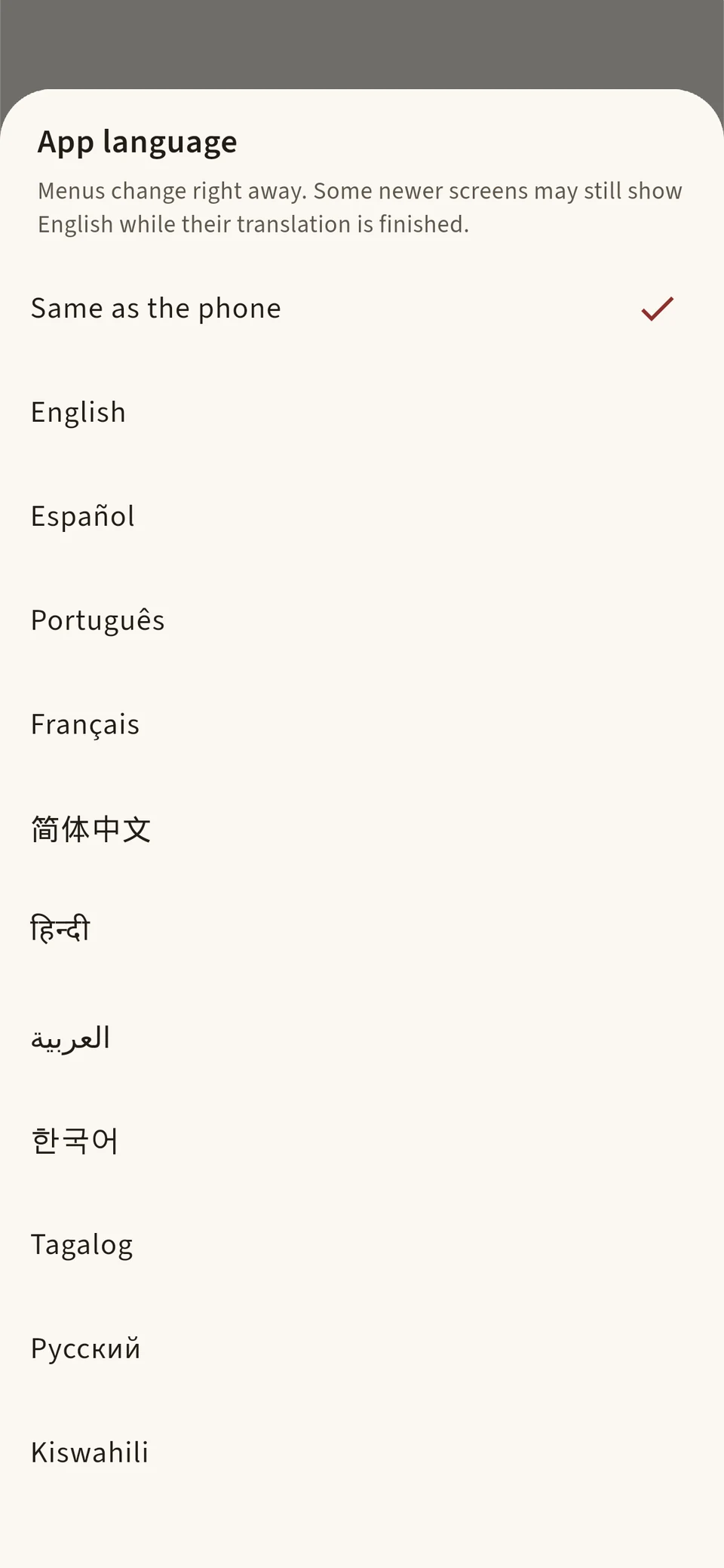
11 languages · 14 free Bibles
The app speaks English, Español, Português, Français, 简体中文, हिन्दी, العربية, 한국어, Tagalog, Русский and Kiswahili. The World English Bible is built in, and thirteen more download free in a tap:
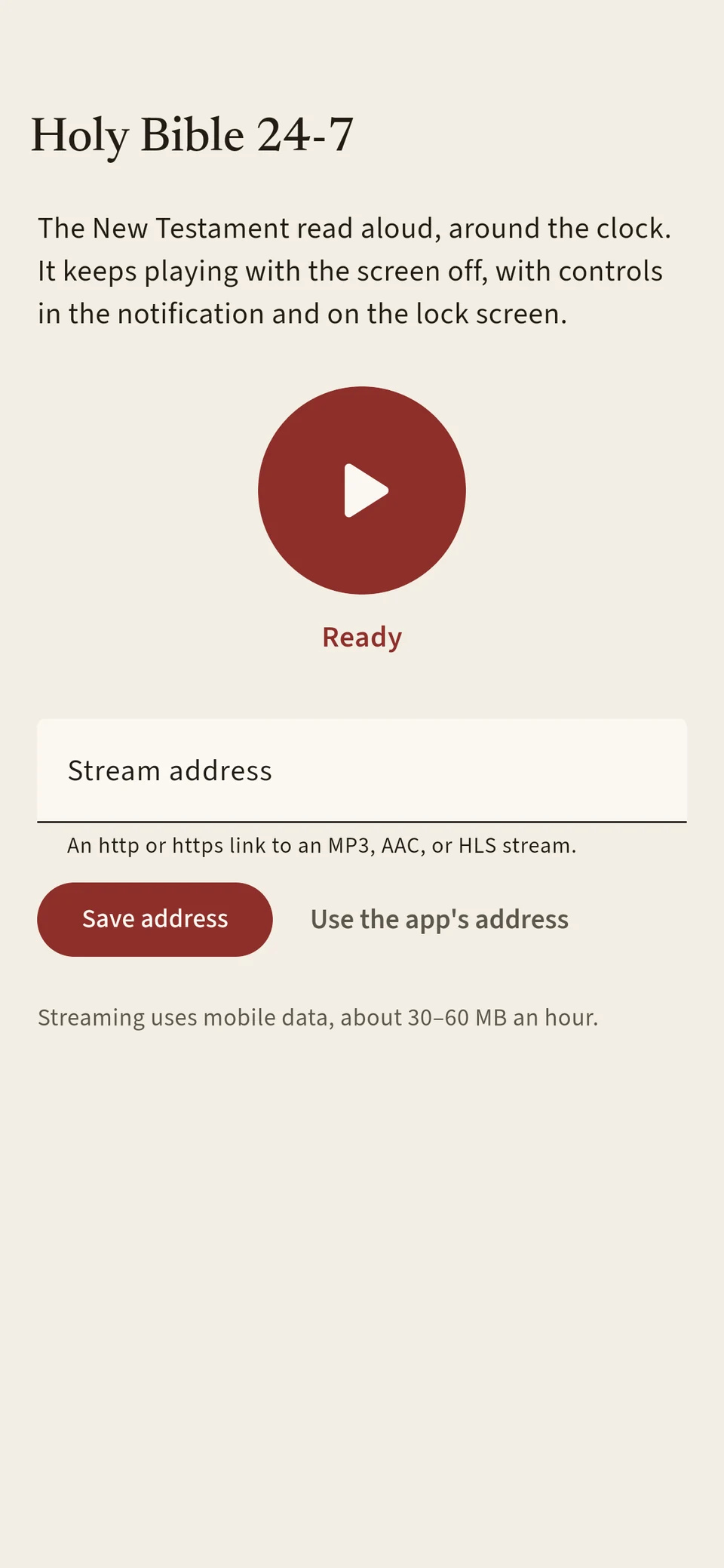
Holy Bible 24/7
A New Testament stream that keeps reading with your screen off, with controls in the notification. Fill the commute, the kitchen or a sleepless night with the Word.
“So faith comes by hearing, and hearing by the word of God.”
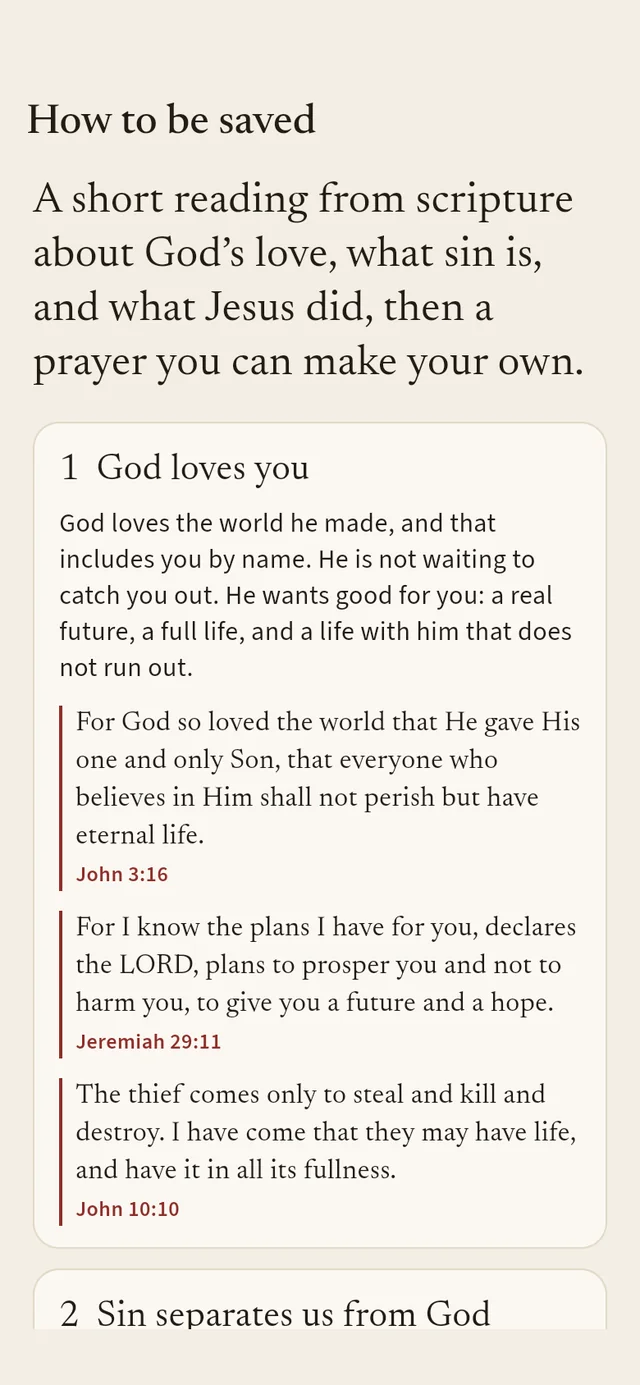
How to be saved
Four short steps, each with Scripture, then a prayer you can make your own. If you pray it for the first time, the app can remember that day for you, on your phone only.
“That if you confess with your mouth, ‘Jesus is Lord,’ and believe in your heart that God raised Him from the dead, you will be saved.”
Offline · light
The Bible lives on your phone, so you can read in a plane, a basement or a village without coverage. The app starts small. Extra Bibles, voices, dictionaries and maps download only if you want them, and you can remove any of them in Settings › Downloads to free up space.
“Your word is a lamp to my feet, and a light for my path.”
“Finally, brethren, whatsoever things are true, whatsoever things are honest, whatsoever things are just, whatsoever things are pure, whatsoever things are lovely, whatsoever things are of good report; if there be any virtue, and if there be any praise, think on these things.”
Swipe Hallelujah is free, with no ads and no account. Put the Word where your eyes already go.
Or get one email when it launchesYes. Swipe Hallelujah has no ads, no subscription and no in-app purchases, and it does not ask you to make an account. Every Bible, voice, dictionary and map it offers is free to download.
Yes. The World English Bible is built in, and anything else you download stays on your phone. Reading, study, notes, highlights, lexicon look-ups and the natural voices all work without a connection. Only the 24/7 radio and new downloads need the internet. You can also save the Holy Land map for offline use.
The World English Bible (WEB) comes with the app. You can add the King James Version (KJV), Berean Standard Bible (BSB) and Literal Standard Version (LSV) in English, plus a free Bible in each of the other ten app languages: Reina-Valera 1909, Bíblia Livre, Louis Segond 1910, the Chinese Union Version, the Indian Revised Version (Hindi), Smith & Van Dyke (Arabic), the Korean Bible 1910, the Tagalog and Swahili Unlocked Literal Bibles, and the Russian Synodal. Each is about 1.3 to 3.5 MB.
Your verses, favorites, notes, highlights and settings stay on your phone. There is no account, no advertising, no tracking and no crash reporting. A download asks for one public file and nothing else. The only thing ever sent is optional: if you tap “I prayed this prayer for the first time today,” an anonymous count with no name or date. You can undo it. Read the privacy policy.
No. It is off until you turn it on. When it is on, Home still works, Emergency opens the dialer and the notification has a Turn off button. The lock card leaves your PIN, fingerprint and emergency calls within reach.
It is in progress. iPhone does not let apps cover the lock screen, so on iPhone the verse appears in home-screen and lock-screen widgets instead. Leave your email above and we will tell you the day it arrives.